

Using Elementor templates makes it easy to add pre-designed sections or pages to your website. You can quickly insert ready-made layouts or upload your own saved templates directly inside the editor. Follow the steps below to do it properly.
Before you begin, make sure you have Elementor installed and activated on your WordPress site. Also, keep your template file ready if you plan to upload one.
Step 1: Open any page or post and launch the Elementor editor.
Step 2: On the editor canvas, click the Add Template icon.
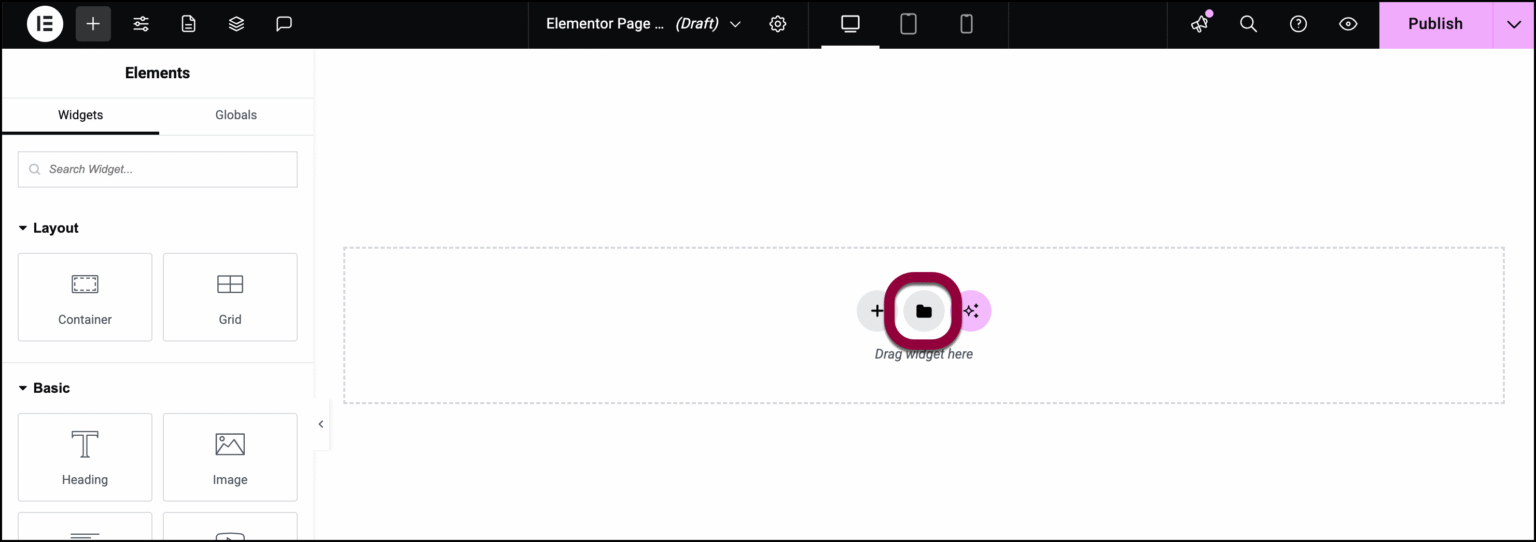
Step 3: Click on the Templates tab inside the library.
Step 4: Click the Upload icon.
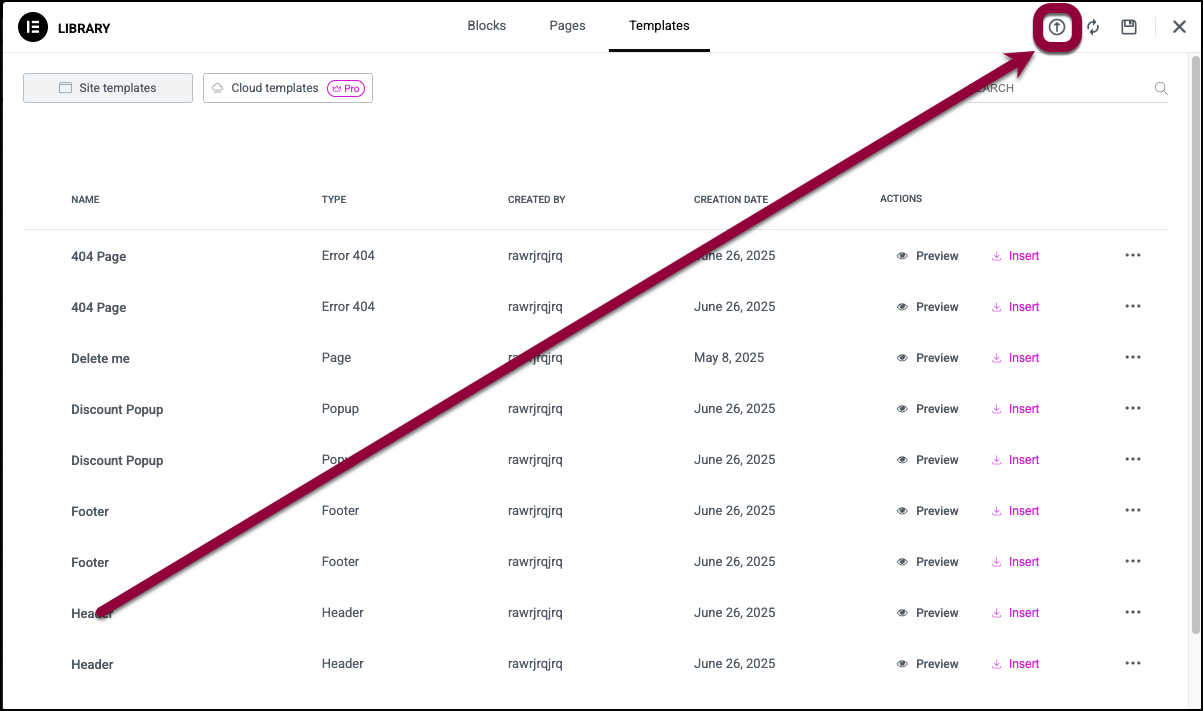
Step 5: Browse your computer and select the template file you want to import.
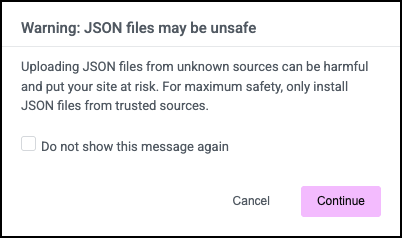
Step 6: Confirm that you want to upload and import the selected file.
Step 7: After the template is added to the library, click Insert to place it on your page.
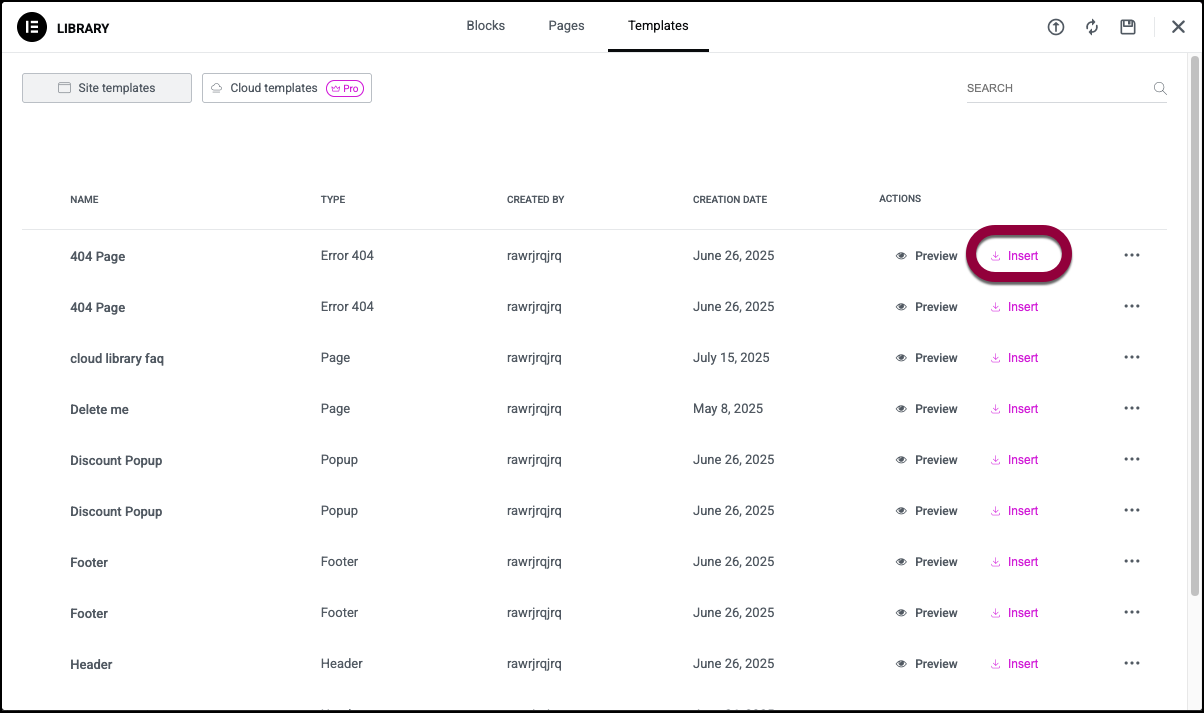
Once inserted, you can edit the section, change content, and adjust the design as needed. This helps you build pages faster without starting from scratch.